Set the output dimensions
For a 16:9 UHD image, aim for 3840 × 2160 pixels. A square or portrait photo needs a different shape; stretching it to fit those dimensions would distort the subject.
Image resolution
To upscale image to 4k, start with the clearest original you have. Aiupscale helps you explore a larger output, but the final result still depends on the detail present in your source.
A still photo, a phone picture, and a video frame need different checks. Pick the path that matches your source before deciding how large to make it.
Use the browser-based image workflow when you want to work with a still photo.
Review a simple enlargement workflow before preparing your final image.
Explore the separate challenges of enlarging moving footage rather than a single frame.
Pixel dimensions, inferred texture, and a final visual check each play a different part in a useful 4K result.
For a 16:9 UHD image, aim for 3840 × 2160 pixels. A square or portrait photo needs a different shape; stretching it to fit those dimensions would distort the subject.
AI upscale processing can make edges and textures appear more defined as it adds pixels. Those additions are estimates, not a recovery of every detail the camera failed to capture.
Zoom in on faces, lettering, hair, and repeating patterns. If they look waxy, doubled, or invented, try a better source or a less aggressive enlargement.
The best next step depends on where the image came from and how viewers will see it.
You have a well-lit phone photo that needs to fill a larger screen.
Use the original camera file rather than a compressed message attachment, then inspect faces and fine textures at display size.
ai upscale for iphoneYou need a repeatable path from uploading an image to checking the export.
Keep the source, enlarged version, and intended display dimensions together so you can compare them before sharing.
how to upscale using ai?Your picture also needs color correction or selective repairs.
Separate enlargement from manual edits; a larger pixel grid alone will not fix exposure, damaged areas, or unwanted objects.
ai upscale vs photoshopYou want an older scan to look better on a modern display.
Scan or obtain the sharpest available original first, because AI upscale cannot establish details that were never recorded.
what does ai upscale mean?A before-and-after view is useful for judging visible texture, not for proving that a specific photo has reached 4K dimensions.
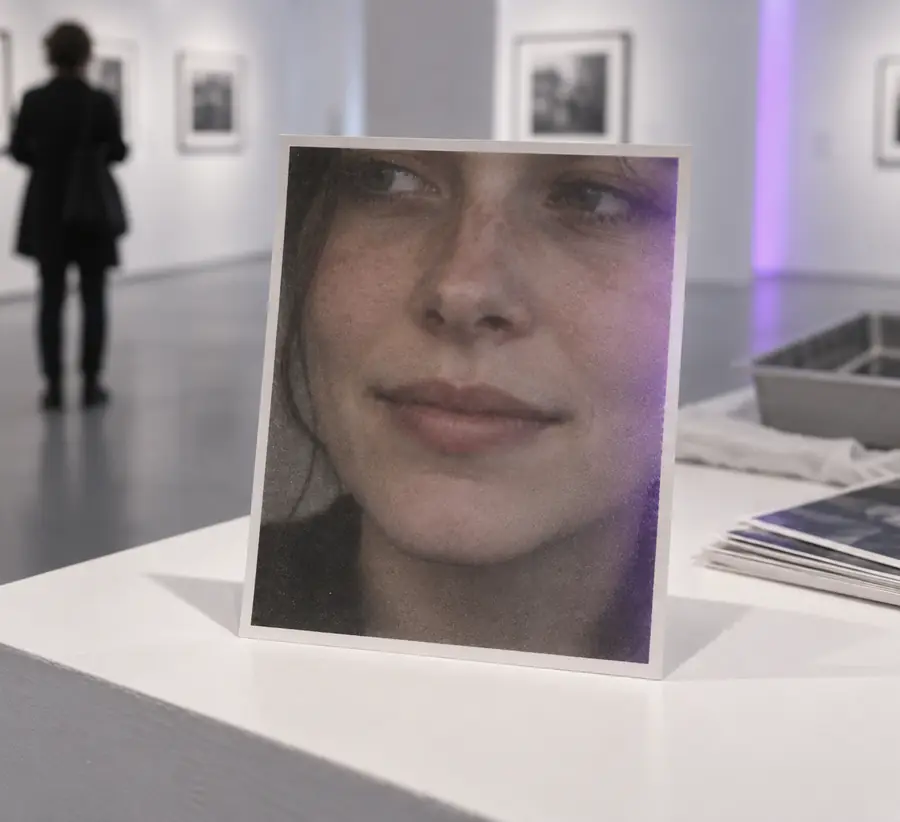
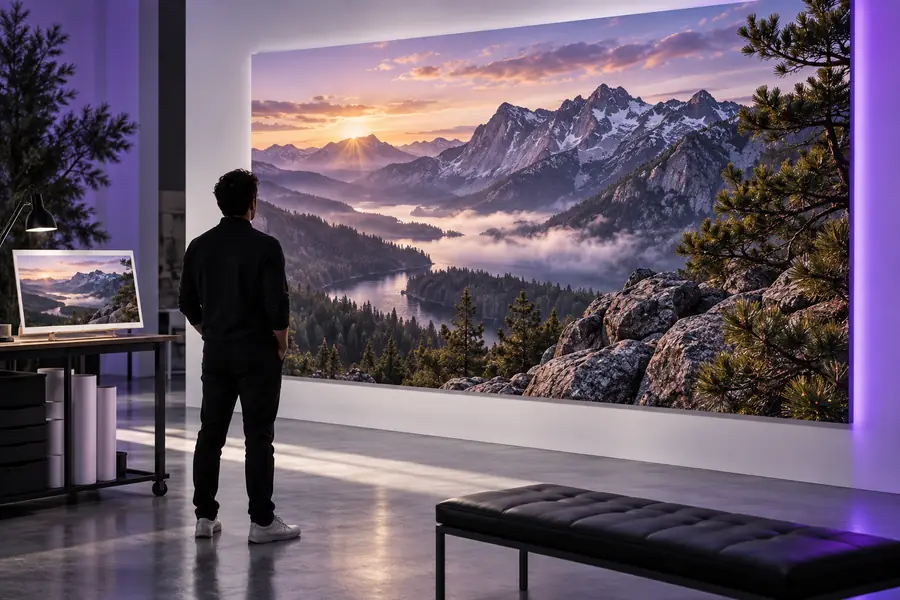
Illustrative enhancement pair. Check your own exported file's pixel dimensions separately, and compare facial features for changes that look unnatural.
For a standard 16:9 television or monitor, these numbers describe the pixel grid you are targeting. They do not guarantee photographic sharpness.
This comparison uses a 1920 × 1080 source as an example. Doubling both dimensions creates more pixels, but whether the picture looks better must be judged by eye.
Example 1080p source
1920 pixels
UHD-sized output
3840 pixels
Example 1080p source
1080 pixels
UHD-sized output
2160 pixels
Example 1080p source
2,073,600
UHD-sized output
8,294,400
Example 1080p source
16:9
UHD-sized output
16:9 if the image is not cropped or stretched
Example 1080p source
Limited by the original capture
UHD-sized output
May appear clearer, but newly added detail is estimated
Example 1080p source
Can already be blurred or compressed
UHD-sized output
Need inspection for altered letters or facial features
Example 1080p source
Depends on format and compression
UHD-sized output
Also depends on format and compression; pixel count alone does not determine it
Start with your best original, keep its proportions in mind, and inspect the result before displaying or sharing it. A 4K pixel count is a useful target; a convincing image is the real test.
You can enlarge many photos to UHD-sized pixel dimensions, but the result will not always look sharp. A tiny, blurred, or heavily compressed original gives an AI upscale process less reliable information to work from.
For a standard 16:9 UHD screen, use 3840 × 2160 pixels. Other shapes need different dimensions if you want to preserve their proportions; 4096-pixel-wide cinema formats also use the term 4K.
It may improve the appearance of some edges and textures, but it cannot reliably recover details that were never captured. Inspect important features such as eyes and lettering rather than judging only from a small preview.
Crop first if you know the composition and aspect ratio you need. Cropping discards pixels, though, so leave as much useful source detail as possible and avoid stretching the cropped image to fill the frame.
Check the saved file's pixel dimensions in your device's image information. For a 16:9 UHD export, they should read 3840 × 2160; visual sharpness is a separate question.