Choose the best source
Use the largest, cleanest original you can find. A small but clear photo gives an AI upscale more dependable edges than a larger, badly compressed copy.
Image quality
Often, yes—especially when a modestly sized photo needs a larger display. Aiupscale helps you inspect the result, but no AI upscale can recover details the camera never captured with certainty.
AI upscaling is most useful when the original is recognizable but too small for its intended use. These related guides cover different starting points.
A good-looking AI upscale is not proof that its newly visible details are accurate. Check these limits before relying on an enlarged image.
If a distant face occupies only a few pixels, AI upscaling may produce plausible eyes or skin texture rather than the person's actual features.
WorkaroundUse the original capture when identity or factual accuracy matters.
Block edges and ringing in a heavily compressed image may be sharpened along with the subject. A larger file can make those defects more noticeable.
WorkaroundStart from the least compressed version available and inspect flat areas at full size.
Small signs, labels, and document characters can emerge as readable-looking shapes that do not match the source.
WorkaroundVerify important wording against an original scan or a higher-resolution photograph.
Motion blur and missed focus obscure edges before enlargement begins. AI upscaling can smooth the blur, but it cannot reliably reconstruct the scene.
WorkaroundCompare the result at its intended viewing size, not just as a thumbnail.
Treat AI upscaling as a visual comparison, not a guaranteed restoration. Three checks reveal most distracting changes.
Use the largest, cleanest original you can find. A small but clear photo gives an AI upscale more dependable edges than a larger, badly compressed copy.
View the original and enlarged image at the size people will actually see. Look for useful improvements in outlines without assuming every fine texture is authentic.
Zoom into faces, lettering, fine patterns, and smooth backgrounds. If features change or artificial grain appears, keep the original or use a less aggressive result.
An AI upscale can be good for presentation while remaining unsuitable as a record of exact detail. The intended use determines which qualities matter most.
AI-upscaled image
Larger pixel dimensions for layouts and screens
Original image
Limited by the captured dimensions
AI-upscaled image
Edges may look cleaner at viewing size
Original image
Shows the captured softness without added interpretation
AI-upscaled image
Some texture is predicted, not verified
Original image
Contains only detail preserved in the source
AI-upscaled image
May alter or invent characters
Original image
Retains the source's characters, even when unreadable
AI-upscaled image
Can introduce waxy surfaces or repeated patterns
Original image
Can retain noise, blur, or compression marks
AI-upscaled image
A presentation copy to review before use
Original image
The reference for checking whether details changed
A before-and-after view makes improvements easy to spot, but the small details deserve a second look.
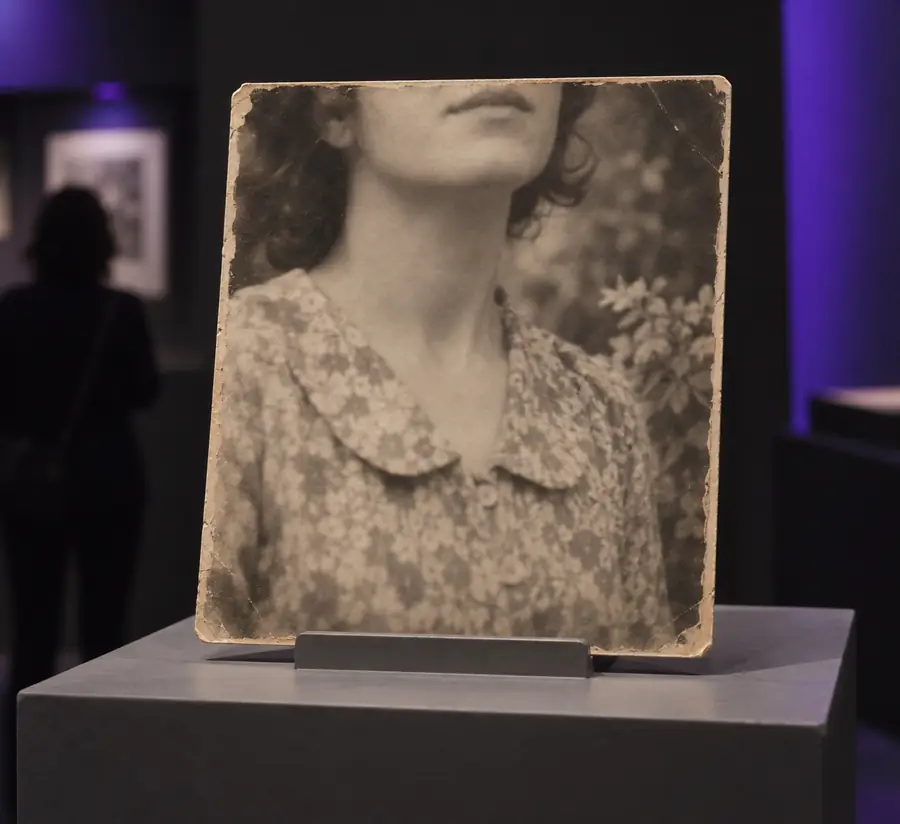
Compare the eyes, hairline, and skin as well as the overall clarity. A smoother portrait is not automatically a more faithful one.
The best use of AI upscaling depends on whether a viewer needs a cleaner image or an exact account of what was captured.
A recognizable old photo looks too small in a digital album.
Make a larger viewing copy, then keep the original alongside it so altered facial details can be checked.
free ai upscaleA phone image needs more room in a social graphic.
Check whether cleaner edges help at the final crop size without making skin or lettering look artificial.
ai upscale for iphoneAn enlarged image looks sharp but needs a careful quality comparison.
Decide whether an AI upscale or a more controlled editing workflow better fits the image.
ai upscale vs photoshopTry an AI upscale with a clean source, then compare both versions at the size you plan to use. Keep the original as your reference whenever factual detail matters.
It can be good for making a small image more pleasant to view, but bad if a predicted detail is mistaken for a captured fact. Judge it by the intended use and compare it with the original.
It can help an old photo look clearer on a larger screen when the source still has recognizable shapes. It cannot reliably reveal a face or object that the original never recorded clearly, so keep an untouched copy.
Yes. It may exaggerate compression, give skin a waxy appearance, or turn fine patterns into artificial texture. Inspect the result at full size before using it.
Not necessarily. The software estimates plausible detail from the available pixels, and plausible is different from verified. For identification, documents, or other evidence, refer to the original or find a better source.