Read the source
The model examines edges, colors, shapes and recurring textures in the small image. A clean source gives it stronger clues; severe blur and compression leave more room for mistaken guesses.
Image basics
If you ask what does ai upscale mean?, the short answer is enlarging an image with software that predicts plausible detail rather than simply stretching its pixels. AI upscale can make a small photo look clearer at a larger size, but it cannot reveal information that was never captured.
AI upscale combines enlargement, pattern-based prediction and cleanup. The related guides below put those ideas into practical context.
Follow a practical sequence for choosing a source image, enlarging it and checking the result.
See when added clarity helps and when generated detail makes an image less trustworthy.
Understand the difference between reaching a pixel dimension and producing convincing detail.
More pixels, plausible texture and reduced noise are different outcomes. None guarantees that an enlarged picture becomes a faithful record of the original scene.
If a face, sign or object is too small to identify in the source, AI upscale may invent a convincing version rather than uncover the real one.
WorkaroundUse a higher-resolution original when accurate identity or readable text matters.
Hair, fabric, foliage and fine outlines may gain detail that looks natural at first glance but changes shape under close inspection.
WorkaroundCompare important edges against the source at the intended viewing size.
Noise reduction may smooth skin, film grain or subtle surface detail along with unwanted compression marks.
WorkaroundKeep the original and choose the gentlest result that suits the image.
The exact model varies, but the basic process moves from existing pixels to an enlarged image and then to a visual quality check.
The model examines edges, colors, shapes and recurring textures in the small image. A clean source gives it stronger clues; severe blur and compression leave more room for mistaken guesses.
AI upscale increases the pixel dimensions and estimates how fine structures might appear between the original samples. Its additions are predictions informed by learned patterns, not a retrieval of missing camera data.
Check faces, lettering, fine lines and textured areas at the size you plan to use. If they look distorted or unnaturally smooth, compare with the source before relying on the output.
Both methods make an image larger. Their main difference is how they fill the space between the pixels already present.
Standard resizing
Calculated from neighboring source pixels
AI upscaling
Predicted from image patterns and learned examples
Standard resizing
Usually softens as the image grows
AI upscaling
May appear more defined, but can be invented
Standard resizing
Does not introduce a newly imagined object detail
AI upscaling
Can change details while making them look plausible
Standard resizing
Often remain visible or become easier to notice
AI upscaling
May be reduced, sometimes at the expense of real texture
Standard resizing
Remain limited by the original pixels
AI upscaling
May look sharper without becoming accurate
Standard resizing
Predictable enlargement when preserving the source is the priority
AI upscaling
Visual improvement when the result can be checked for artifacts
A portrait comparison makes added sharpness easy to notice. Look closely at eyelashes, hair strands and skin texture as well as the overall impression.
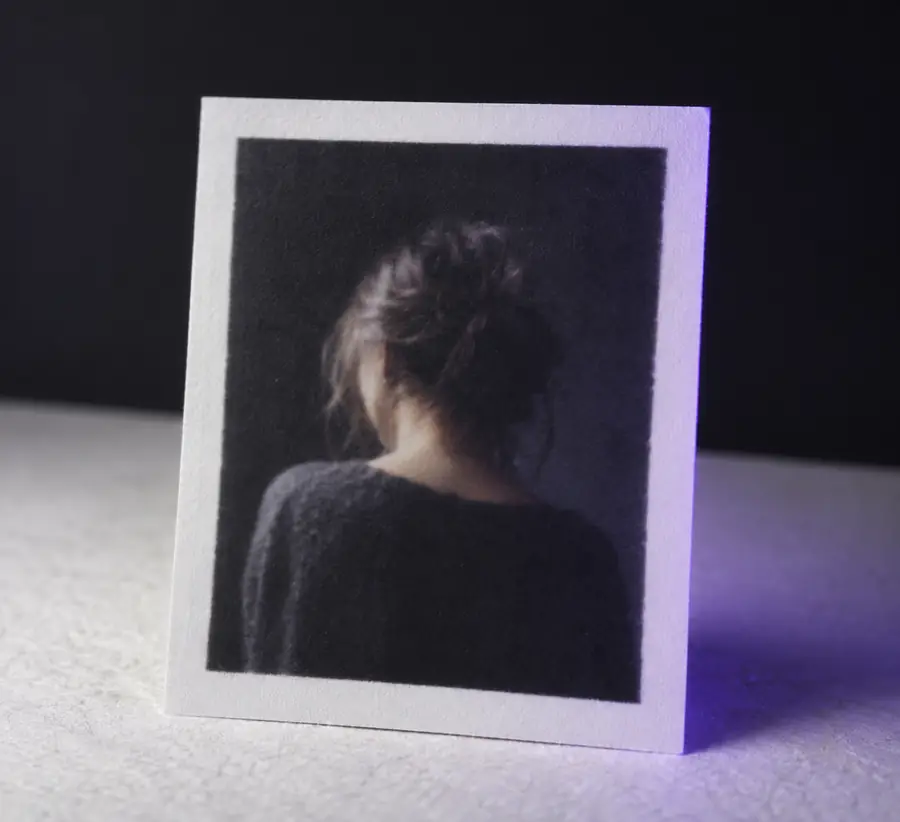
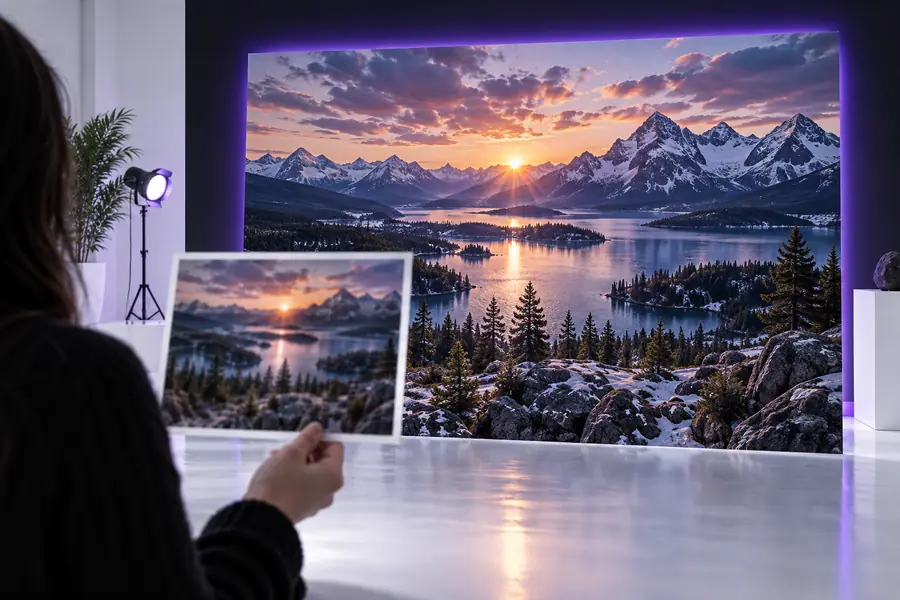
Treat apparent detail as a visual result, not proof that the original camera captured it.
What you intend to do with the image determines whether a sharper appearance is enough or whether fidelity must come first.
A small portrait needs to look better on a larger screen.
Prioritize natural faces over aggressive sharpening, then compare the output with the original. The guide to how to upscale using ai? covers that checking process.
how to upscale using ai?A scan contains a tiny label that might hold important information.
Do not treat generated letters as evidence. The discussion of is ai upscaling good explains why a convincing result can still be inaccurate.
is ai upscaling goodAn image must fit a large, high-resolution layout.
Check both its final dimensions and how it looks at display size. The guide to upscale image to 4k separates pixel count from visible quality.
upscale image to 4kChoose an image whose details you recognize, run an enlargement, and compare the result with the source. Aiupscale helps you explore what AI upscale can improve while keeping the original available for a reality check.
It means using an AI model to enlarge an image and predict detail in the additional pixels. The output may look clearer than a conventional enlargement, but predicted detail is not necessarily a faithful reconstruction of the scene.
It adds visible detail to the resulting file, but that does not mean the detail existed in the source. Fine textures and edges are estimates, so check anything that needs to be factually accurate.
Both increase pixel dimensions, but ordinary resizing derives new pixels from nearby ones. AI upscale also predicts patterns that may make the larger image appear sharper.
It may improve the appearance of mild softness, especially when the source still contains recognizable edges. Heavy blur, unreadable text and missing facial features cannot be reliably recovered from a source that never recorded them.